Get DeepSeek-R1 Running: A Local Guide with Ollama & Docker(Save $200/Month)
Learn how to install DeepSeek-R1 locally on your machine using Ollama & Docker, for problem solving, and coding, $0/Month(FREE) & Data Privacy
Learn how to install DeepSeek-R1 locally on your machine using Ollama & Docker, for problem solving, and coding, $0/Month(FREE) & Data Privacy
Need advanced AI Models? Get ready to pay over $200/Month for OpenAI’s o1 Model. Want a free, privacy-ensured advanced AI model that rivals OpenAI’s 01? Meet DeepSeek-R1. DeepSeek’s R1 Model is a free, open-source AI model that rivals OpenAI’s top model. In this comprehensive install guide, you will learn how you can install and use DeepSeek Locally, free of privacy concerns, with an elegantly designed web portal.
DeepSeek Web
DeepSeek-R1 vs OpenAI o1: What's the difference?
How does the DeepSeek R-1 Compare the OpenAI’s top-end o1 Model? DeepSeek isn't like any other model on the market, it's the one and only model that can rival the o1. DeepSeek’s R-1 Is also Open Source and Free to use!
How to Install DeepSeek R-1 Locally on any machine(Linux, MacOS, Windows):
To Maintain Privacy and run the model locally on our machine, we will be utilizing powerful tools such as Ollama and Docker.
Docker — Used to setup the local host portal(web UI)
Ollama — Free Open Source tool to run AI’s on your computer
Install Ollama:
Install Ollama On your machine — https://ollama.com/download or Install it via terminal on MacOS or Linux:
Download DeepSeek-R1 Via Ollama:
Choose the model that fits your computer specs. DeepSeek-R1 comes with different parameters that you can choose to install on your machine. DeepSeek 1.5b is the smallest model, and DeepSeek 671b is the top-end model with all the capabilities of DeepSeek-R1:
Setup The WebUI(Localhost:3000):
Install Docker on your machine: https://www.docker.com/ Once you have installed Docker, we will set up the WebUI at localhost:3000. This will allow us to have a personal UI running on our computer.
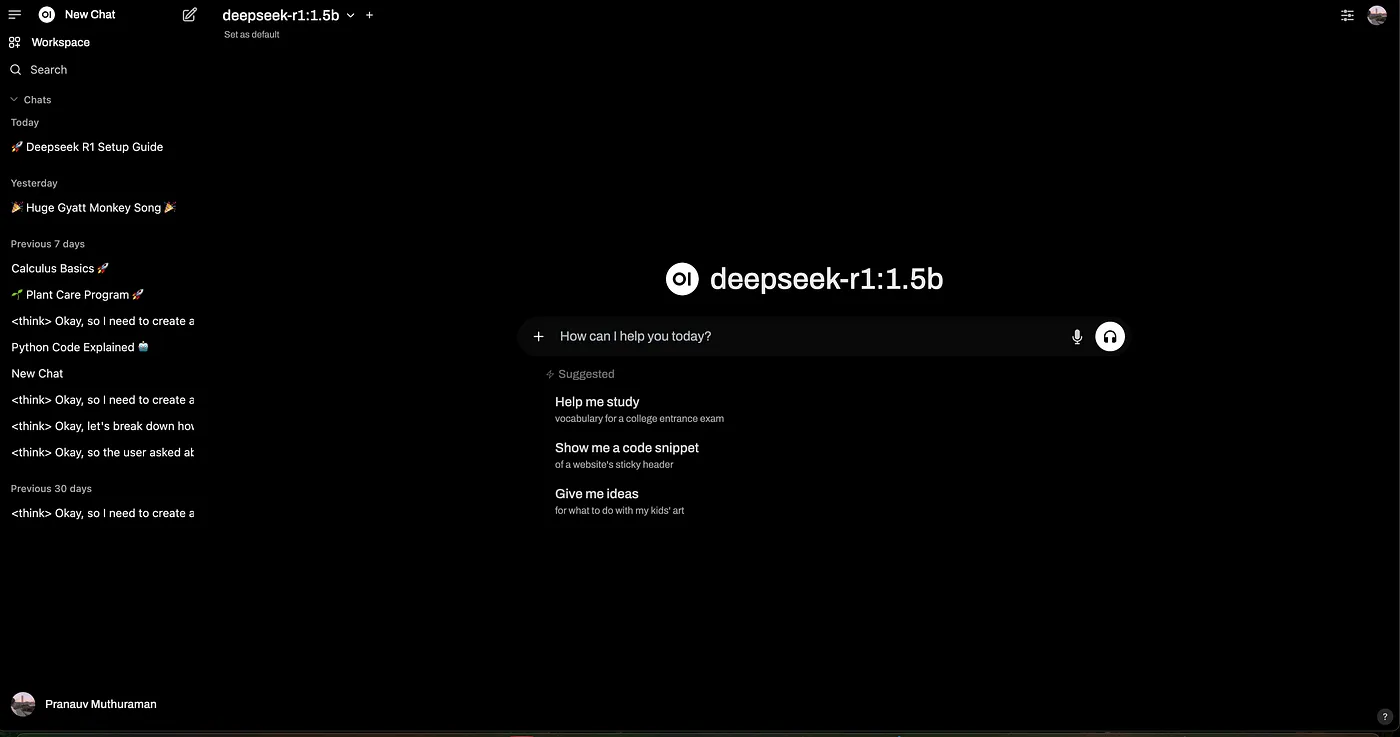
Once you have run the script, visit http://localhost:3000 and select the model at the top.
Conclusion:
After following these steps you should have a seamless working integration of DeepSeek’s R-1 Model working on your machine! Want more to do? You can install more AI models on your computer! I have both Gemma 2 and DeepSeek R-1: 1.5b running together! Visit https://ollama.com/search to find more models!